

A Melbet download in Bangladesh comes in two forms — the Melbet APK for Android and the official Melbet app for iOS. Both builds open the same sports betting, cricket, Aviator and casino sections from your phone, and both use the same account and cashier.
Below you will find the current Melbet APK version, the full Melbet app download and install process for both platforms, update guidance, and answers to the questions BD players ask most about the Melbet apps.
Melbet App and APK — Official Specifications for Bangladesh
The Melbet app Bangladesh players install comes in two builds: the Melbet APK for Android, downloaded directly from bdmelbet.com, and the iOS version from the Apple App Store. Both share the same backend, account and cashier, so your login works across devices and balance, bets and bonuses sync instantly.
| Specification | Android APK | iOS |
|---|---|---|
| App name | Melbet | Melbet: Live Sports Betting |
| Current version | 255.0.6 | 255.0 (2 June 2026) |
| File size | 53.2 MB | 255.6 MB |
| Minimum OS | Android (modern devices) | iOS 15.0 or later |
| Developer | Pelican Entertainment B.V. | Pelican Entertainment B.V. |
| Licence | Curaçao OGL/2024/561/0554 | Curaçao OGL/2024/561/0554 |
| Download source | bdmelbet.com | Apple App Store |
| Age rating | 18+ | 18+ |
| Languages | English | English + 50 more |
| Price | Free | Free |
Key facts about the Melbet app:
- Free Melbet APK download — no subscription and no in-app purchases
- Watch cricket and play Aviator directly inside the app
- Deposit via bKash, Nagad or Rocket from 100 BDT — no browser switching
- Same account, balance and bonuses sync across both Melbet apps and the web version
- Regular updates with fresh sports markets and security improvements
Melbet App Download for iOS — Step by Step
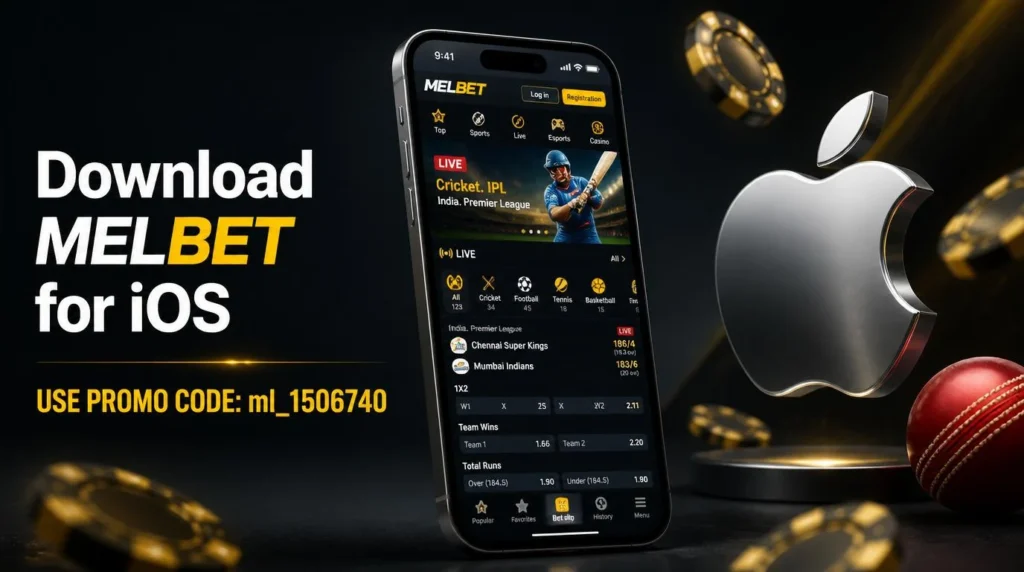
iOS users don’t need the APK process — the official app is on the Apple App Store as Melbet: Live Sports Betting (developer Pelican Entertainment B.V.). On the App Store it holds a 3.4★ rating from 356 reviews and ranks around No. 16 in the Sports category, with a dark interface and support for English plus 50 more languages. Follow the steps below for the Melbet iOS download:
- Open the App Store. Tap the App Store icon on your iPhone or iPad.
- Search for “Melbet” using the search bar at the top.
- Select the official Melbet app — Melbet: Live Sports Betting by Pelican Entertainment B.V.
- Tap “Get” to start the download.
- Confirm with your Apple ID password, Face ID or Touch ID if required.
- Wait for installation to finish, then open the app from your home screen.
Supported iOS Devices
The Melbet app runs on any iPhone or iPad updated to iOS 15.0 or later. If your device is on an older iOS version, update it via Settings → General → Software Update before installing.
How to Update the Melbet App on iOS
- Open the App Store and tap your profile icon in the top-right corner.
- Scroll to the list of available updates.
- If Melbet appears, tap “Update” — or enable automatic updates so the app stays on the latest version.
Melbet APK Download for Android — Step by Step
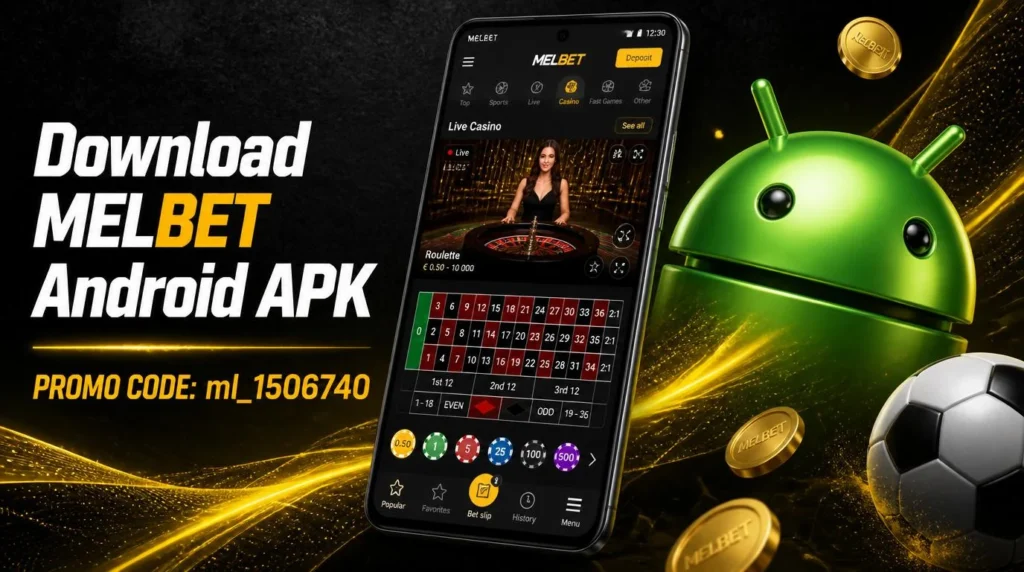
Because Google Play does not list real-money betting apps in Bangladesh, the Melbet APK download for Android runs directly from bdmelbet.com. The current file is melbet.apk, v.255.0.6, 53.2 MB, and the download is free. Follow the steps below for a smooth install:
- Open your browser and go to the official site, bdmelbet.com.
- Scroll to the mobile section and tap the Melbet APK link to start the download.
- Allow installs from this source: Settings → Security/Privacy → enable “Install unknown apps” for your browser.
- Open the downloaded APK file from your notifications or file manager.
- Tap Install and grant any system permissions to finish setup.
- Open the Melbet app and sign in — the Melbet login guide covers the process if you get stuck.
Melbet APK — Supported Android Devices
The Melbet APK installs on most modern Android smartphones and tablets, including devices from Samsung, Xiaomi, Google Pixel, OnePlus, OPPO, Vivo and Realme. For smooth live streaming, a stable internet connection and a recent Android version are recommended.
How to Update the Melbet APK to the Latest Version
- Open your mobile browser and return to bdmelbet.com.
- Find the app section and download the latest Melbet APK version.
- Uninstall the previous version, then install the new APK file using the same steps as above.
Melbet APK Latest Version and Update History
The latest Melbet APK version for Android is 255.0.6, and the iOS build is 255.0 (last App Store update 2 June 2026). New builds usually bring security improvements and better live-streaming performance. To check what you have installed, open About in the app’s settings.
If your build number is lower than the one above, you are running an old version of the Melbet app — download the latest APK from bdmelbet.com and reinstall. Outdated builds can fail to load live odds or the cashier. iOS users get an App Store notification when an update is available; Android users repeat the APK download manually.
Melbet APK file details:
- File: melbet.apk — 53.2 MB, free download, no in-app purchases
- Source: bdmelbet.com only — not Google Play, not APKPure or other mirrors
- Developer signature: Pelican Entertainment B.V., licence Curaçao OGL/2024/561/0554
- Reinstalling the APK does not delete your account, balance or bet history
Melbet App Features After Download
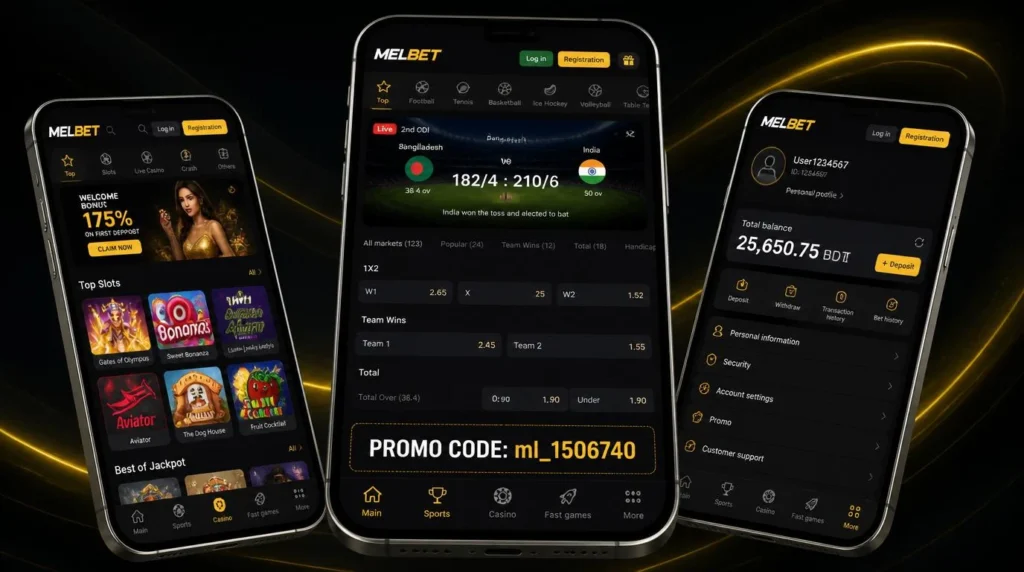
Once the download and install are done, you get instant access to sports betting anywhere. The interface is built for fast navigation — large buttons, simplified menus and quick access to live events. Highlights include:
- 40+ sports including football, cricket, basketball and esports (CS2, Dota 2, LoL)
- Live betting with real-time odds, live streams and in-play statistics
- Multi bets — combine selections into express, system or chain bets
- Push notifications for odds changes, bet results and promotions
- Melbet app login with fingerprint or Face ID instead of a password
For the full breakdown of markets, cricket coverage and bet types, see the Melbet sports betting guide.
Bonuses in the Melbet App
Right after installing, opt in during registration and choose one welcome offer: the sports bonus (100% up to 12,000 BDT, from a 100 BDT deposit) or the casino package (up to 315,000 BDT + 250 free spins across the first three deposits). Bonuses are credited automatically once your profile is complete and your phone number is activated.
Full wagering terms, the deposit series and how to apply promo code ml_1506740 are covered on the Melbet promo code page.
Casino & Games in the Melbet App

The app gives full access to Melbet’s casino — slots, live dealers, Aviator, table games and demo play — with the same smooth performance as the desktop site. For the complete game library, providers and bonuses, see the Melbet casino review.
Deposits and Withdrawals in the Melbet App
The app handles all transactions in BDT through 80+ payment methods, including bKash, Nagad and Rocket. Deposits start from 100 BDT (limits depend on the channel you choose), and you can register, verify and withdraw without leaving the app. Full limits and step-by-step instructions are in the Melbet payment methods guide.
Melbet Mobile App vs Mobile Website
The Melbet mobile app and the mobile website open the same account, the same markets and the same cashier. The app is faster, uses less data, supports push notifications and biometric login, and is built for on-the-go betting. If your device can’t run the app, or you would rather not install an APK file at all, the mobile site is a solid alternative — it needs no download and runs in any browser. The desktop version still suits larger screens and more complex multi-bet building.
| Feature | Mobile App | Mobile Website |
|---|---|---|
| Installation | Download and install required | None — just open in a browser |
| Storage | App takes space on your device | No storage needed |
| Performance | Loads faster | May be slower at peak times |
| Notifications | Push notifications supported | Not available |
| Biometric login | Fingerprint / Face ID | Password only |
| Updates | Manual APK update needed | Always current |
| Data usage | Lower | Higher |
Pros and Cons of the Melbet App and APK
| Pros | Cons |
|---|---|
| Smooth, intuitive interface and easy navigation. | The Android APK is sideloaded from the site, not Google Play, and needs a settings change. |
| Small footprint — the 53.2 MB APK installs on entry-level devices. | Support replies can be slower during peak traffic. |
| 40+ sports and thousands of casino games in one app. | May lag on an unstable internet connection. |
| Localized for BD — BDT currency and bKash/Nagad/Rocket payments. | iOS build is large (255.6 MB). |
| Free download, with the same account across both Melbet apps. | Android updates are manual — you download the new APK yourself. |
FAQ
Yes, when downloaded from bdmelbet.com or the Apple App Store. The APK is signed by the official Melbet developer certificate, data travels over an encrypted connection, and biometric login helps prevent unauthorized access.
Avoid APKs from third-party sites or Telegram channels — these can be tampered with. Never enter your Melbet login on any site other than the official one.
Yes. The Melbet app is a free download on both platforms — the APK from bdmelbet.com and the iOS build from the App Store. There is no subscription, no installation fee and no in-app purchase to unlock features.
The only money involved is your own deposit, which starts at 100 BDT via bKash, Nagad or Rocket.
The current Melbet APK version is 255.0.6 (53.2 MB); the iOS app is on 255.0. Check yours in the app under Settings → About.
If you are on an older version, download the latest APK from bdmelbet.com, uninstall the old build and install the new file. Your account, balance and bet history are stored server-side and are not affected.
It is not recommended. Mirror sites often host outdated builds, and a repackaged APK can be modified before it reaches you — which puts your login details and your balance at risk.
Download the Melbet app only from bdmelbet.com for Android or the Apple App Store for iOS. Both deliver the same build signed by Pelican Entertainment B.V.
Google Play policy does not list real-money gambling apps in Bangladesh and most South Asian markets — the same applies to other international bookmakers.
The official Melbet Android app is therefore distributed as a sideloaded APK from bdmelbet.com. The iOS app is available on the Apple App Store.
Always use a wallet or bank account registered in your own name, complete account verification (KYC) before withdrawing, and follow the instructions shown in the cashier for each method.
Melbet’s own cashier advises players not to share their Transaction ID or transaction screenshots with third parties. Keep those details private, and only deposit through the official app or bdmelbet.com.
Log into the Melbet website from any browser → Settings → Active Sessions → revoke the lost device. This signs out the app and disables saved biometric login. Then change your password immediately.
If you have 2FA enabled, an SMS code to your registered +880 number is required for any new login, so an unauthorized person with your phone alone cannot withdraw funds.
Yes. Your balance, bet history, bonus progress and KYC status sync instantly across the Android app, iOS app, website and mobile browser. You can stay signed in on multiple devices at once.
Biometric login is configured per device — logging out on one device does not log you out elsewhere.
For normal use, no VPN is required. If you experience access problems, contact Melbet support for assistance.
Avoid switching VPN locations between countries, as it can trigger security checks on your account. Always make sure your use of the app complies with the laws that apply to you.
Common reasons for a delay:
- KYC not complete at the moment of the request — withdrawals pause until verification finishes.
- Payment agent limit reached — the system reassigns the payout, which adds time.
- Routine review on larger amounts or unusual deposit-then-withdraw patterns.
To minimise delays, complete KYC before depositing and use a payment method registered in your own name. If a withdrawal is stuck, contact support with your withdrawal ID.
Settings → Apps → Melbet → Storage → Clear Cache. This removes temporary files that can interfere with the deposit flow.
Do not tap “Clear Data” — that wipes your saved login and forces full re-authentication. After clearing cache, restart the app and retry. If the issue persists, wait a few minutes and try again, or contact support.
Last updated: 12 August 2026 · Reviewed by the bdmelbet.com editorial team. Learn more about this guide.